Online Booking for Salons: What to Look For and What to Avoid
A buyer's guide to online booking for small salons. What features actually matter, what's marketing gloss, and the gotchas that bite small operators.
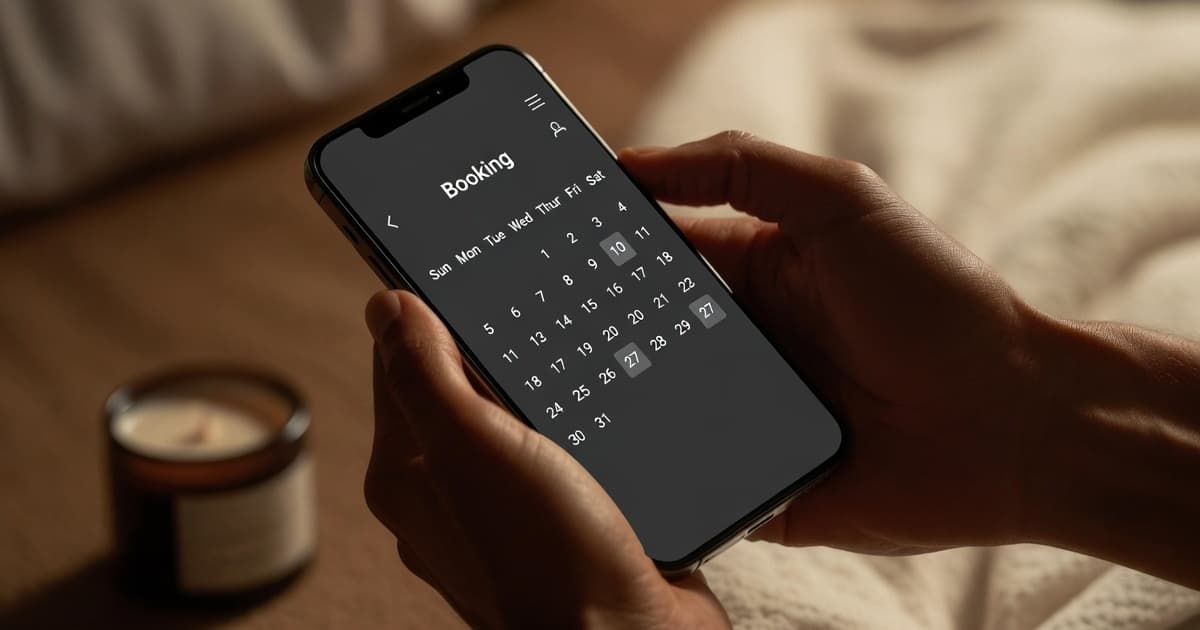
If you are still taking all your appointments by phone or DM, you are filtering out a growing share of your potential clients without knowing it.
Online booking has shifted from a nice-to-have to a baseline expectation, particularly for anyone under 40. They want to book at midnight, from their phone, without a conversation. If you don't make that possible, they book somewhere that does.
But not all online booking tools are built the same way, and a bad one can be worse than no online booking at all. Here is what actually matters, and a few things that look like features but cause problems.
What to look for
Real-time availability
The booking interface should show clients your actual available slots, updated in real time. Anything less creates double-bookings, awkward call-backs, or clients who show up to an appointment you can't honor.
Watch out for tools that let clients "request" a time that you then confirm manually. That is not online booking. That is online appointment requests, and it recreates the phone-call overhead you were trying to eliminate. The whole point is that the client books and you don't have to be involved.
A clean mobile experience
More than 70% of online booking happens on a phone. If the booking flow is not clean on a 375-pixel screen, you are going to lose clients at the exact moment they were ready to commit.
Test any tool you are evaluating on your phone before you commit. Count the steps. How many taps to select a service, choose a time, and confirm? Anything over five steps is too many. Friction kills bookings in a way that is hard to see until you watch a real client try to use the tool.
Automatic confirmation and reminders
Confirmation emails and SMS reminders should go out automatically. You should not be sending these by hand. Every no-show you prevent with a 24-hour reminder is recovered revenue, as we covered in the real cost of a no-show.
The reminder should include everything the client needs: what they booked, when, and ideally a direct link to reschedule or cancel if something changes. Make it easy for them to do the right thing.
A simple, clean client experience
Clients should not have to create an account, verify an email, set a password, and confirm a phone number to book a 45-minute appointment. The fewer the steps, the higher the conversion rate. Every point of friction is a client you lose.
Some tools require account creation as a workaround for their data model. Some allow guest booking with just a name, phone, and email. Strongly prefer the latter for first-time clients.
Calendar sync
Your personal or business calendar should update automatically when a booking comes in. Managing your schedule in two places is how double-bookings happen.
If the tool also allows you to block off personal time and have that reflected in your booking availability, you avoid the other common failure mode: a client books a slot that turned out to be your dentist appointment.
Easy data export
This is the one feature owners never check until they need it, and by then it is too late. Before you commit to any booking tool, confirm that you can export your full client list at any time, in a standard format like CSV or XLSX. Your client list is your most valuable business asset. A tool that holds your data hostage when you want to leave is not a partner. It is a liability.
What to avoid
Tools that charge per booking
Some platforms take a cut of every appointment or charge a per-booking fee on top of your monthly cost. When your volume grows, this gets expensive quickly. A 2% fee on 200 appointments a month at $80 average is $320, on top of whatever the base subscription costs. Understand the pricing model fully before you commit, and run the math at the volume you expect to be doing in a year.
Flat monthly pricing rewards growth. Per-booking pricing punishes it.
Platforms built for large chains
Enterprise booking software designed for fifty-location spa groups has features you don't need and complexity you don't want. The onboarding process alone can take weeks. You will pay for staff training time you don't have. You will spend the first month figuring out which 80% of features you can ignore.
Small operators need a tool that fits, not one that requires customization. The signal you are looking at the wrong tool: the sales process involves a demo call. The signal you are looking at the right tool: you can sign up and have your first appointment booked within an hour.
Systems that show your clients ads for competitors
This is the trap with some "marketplace" booking platforms. Your client lands on your booking page, and the platform shows them ads or suggested alternatives for other salons in the area. You are paying for booking software that actively sends your clients to competitors.
If you are using a third-party platform, look closely at what the client sees during booking. Ideally it is your brand, your services, and nothing else.
Booking tools with no support
You will have questions. Something will break at an inconvenient time. A booking tool with no responsive support channel is a risk you don't want in a core part of your business.
Test support before you commit. Send an email asking a real question. See how long it takes to get a useful answer. If the only support is a chatbot or a "submit a ticket" form with no human on the other end, plan around that.
The practical test
When you are evaluating a tool, book a fake appointment as a client on your own phone. Note how long it takes. Note how many clicks. Note what the confirmation looks like. Note whether you get a reminder 24 hours later.
Then log into the owner side and look at how the appointment shows up. Note how easy it is to modify, cancel, or rebook. Note whether the client's information is captured in a way you can actually use later.
That end-to-end test tells you more than any feature list. It is also a useful exercise to repeat once a year with whatever tool you are using, because the experience drifts. A tool that was great in 2024 might be cluttered with feature creep by 2026.
A note on "free" booking tools
Some platforms offer free booking, often embedded in a larger system you are already using, like Square or a website builder. These can work fine at low volume.
The trade-off is usually flexibility. Free tools often limit your service customization, offer minimal client-facing branding, or are missing features like automatic reminders, no-show tracking, or loyalty integration. If booking is a serious part of your client experience, it is worth paying for a tool designed for that purpose. The math almost always works in favor of paying $10 to $30 a month for a tool that prevents one no-show.
What this looks like for most small salons
A small salon doing one to three hundred appointments a month does not need enterprise software. It needs a tool that does five things well: real-time availability, mobile-first booking, automated confirmations and reminders, calendar sync, and clean data export.
If you find a tool that does those five things, fits your budget, and lets you set up in an afternoon, you have found the right tool. Anything beyond that is bonus.
If you are still calling clients back to confirm appointments at 4pm on a Sunday, you are doing work that a $10 piece of software would do for you. That is the actual cost of staying off online booking.
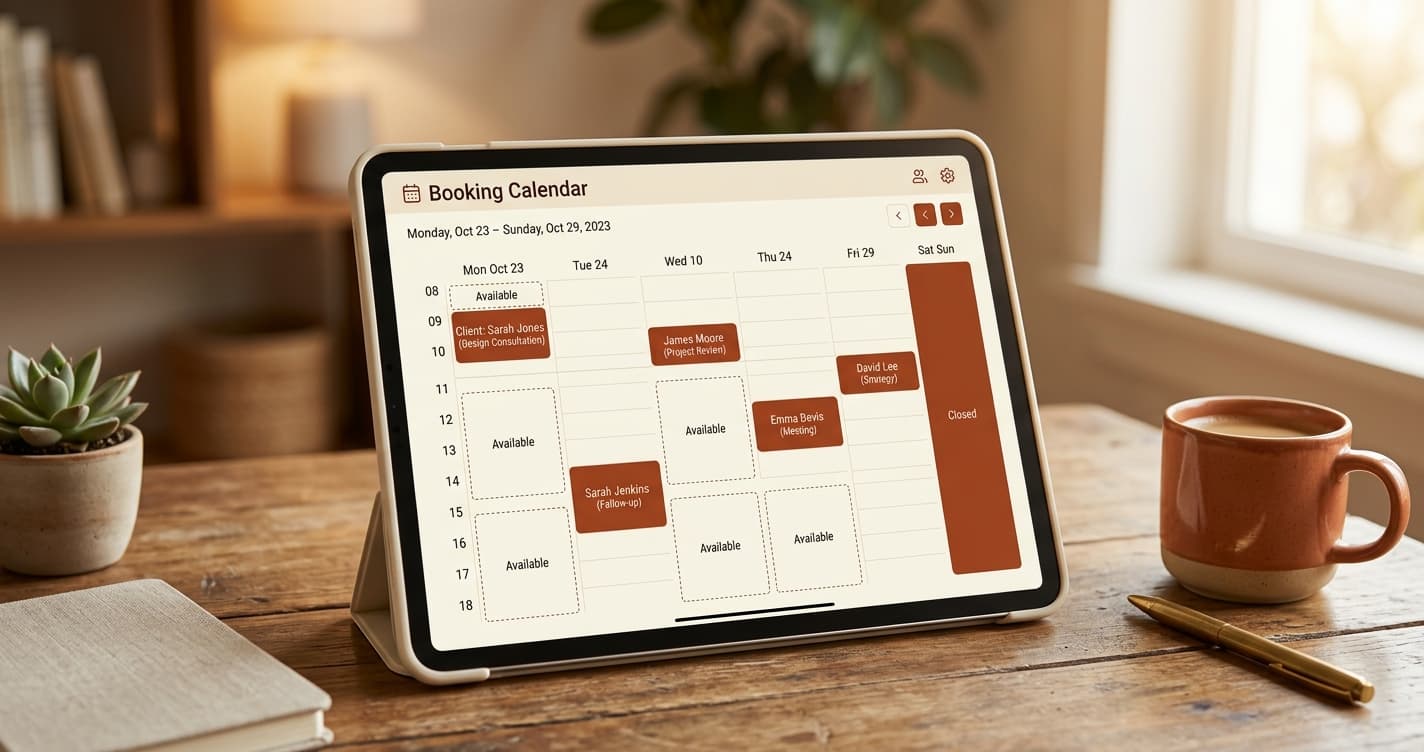

Built for businesses like yours
Lumidara is the affordable scheduling and client platform for independent salons, nail studios, lash bars, and spas. Free to start. No credit card required.
See how Lumidara works