How to Use Appointment Reminders to Cut Your No-Show Rate
Reminders are the cheapest fix for no-shows, and most salons send them badly. Here's the timing, the wording, and the settings that actually work.
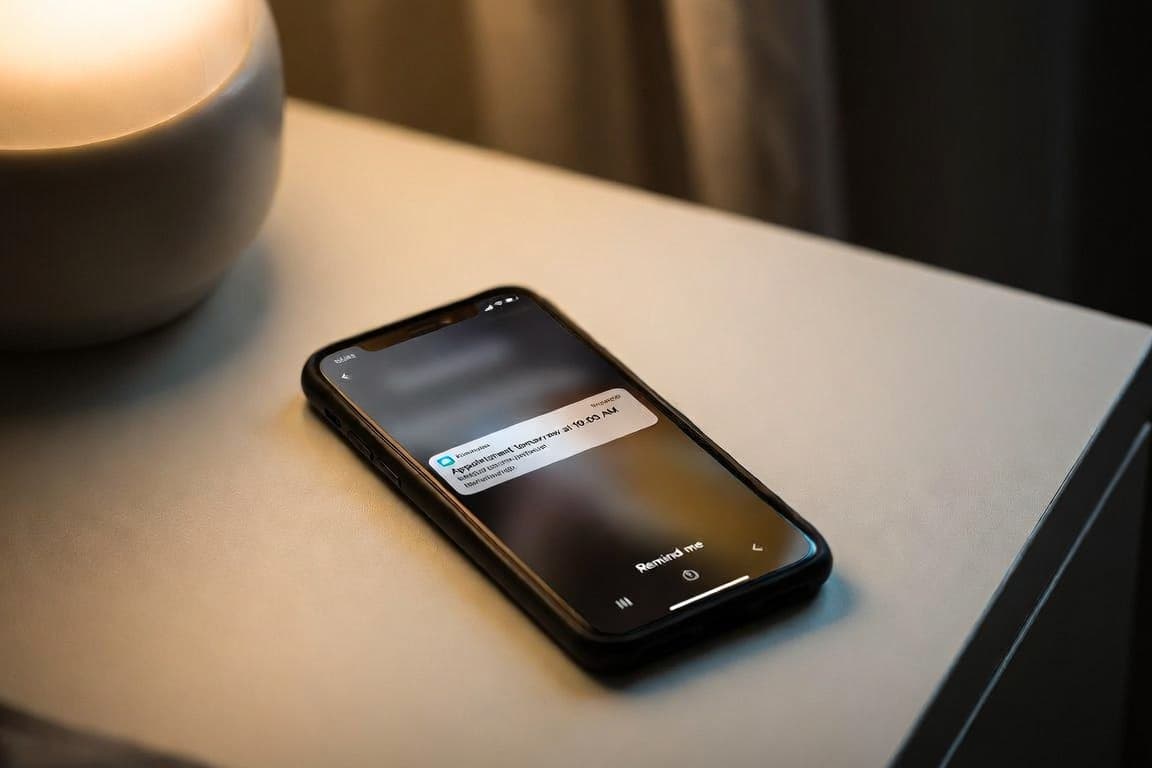
Appointment reminders are the highest return, lowest effort fix available for no-shows. They cost nothing once configured, they require no ongoing work, and they reliably convert a portion of would-be no-shows into either attended appointments or early cancellations you can refill.
Almost every salon knows this and sends reminders. Far fewer send them well. The difference between a reminder that works and one that gets ignored comes down to four things: when it arrives, where it arrives, what it says, and whether the client can act on it without effort.
What reminders are actually doing
It helps to be precise about the mechanism, because it explains the design choices.
Most no-shows are not defiance. They are memory failures. The client booked three weeks ago, put it in a mental note rather than a calendar, and their Tuesday filled up with other things. By 2pm they are genuinely unaware they were supposed to be somewhere. We covered the full breakdown in the real cost of a no-show.
A reminder solves a memory problem. It does not solve a commitment problem. Which means reminders will meaningfully reduce your no-show rate but never eliminate it, and the residual is what a cancellation policy is for.
The second thing a reminder does, which owners underrate, is convert silent no-shows into early cancellations. A client who realizes at 9am that they cannot make a 2pm appointment can tell you at 9am, which gives you five hours to refill the slot. That is not a full save, but it is dramatically better than an empty chair.
Timing
The single most consequential setting.
24 hours before is the anchor. This is the sweet spot for most beauty services. It is close enough that the appointment is in the client's near-term planning window, and far enough that they can still reschedule with notice rather than cancelling last minute.
A same-day reminder catches the rest. Two to four hours before the appointment. This one exists for a different population: the clients who saw the 24-hour reminder, acknowledged it, and then lost track of the day. For businesses with a stubborn no-show rate, adding this second touch is usually the highest impact change available.
Anything more than 48 hours out is mostly wasted. The client acknowledges it, files it, and forgets it again before the appointment. If you send only one reminder, do not send it three days ahead.
If your booking tool lets you configure how many days before the appointment the reminder fires, check what it is actually set to rather than assuming. A related trap: if you change the lead time, check that the message copy still matches. Default reminder templates often say "tomorrow," which quietly becomes wrong the moment you set the trigger to two or three days out.
Channel
SMS outperforms email for reminders, consistently and by a lot. Open rates on text messages are near universal and near immediate. Email reminders land in an inbox the client may not check until evening.
That said, the right answer for most small businesses is: send the confirmation by email (it carries detail well and creates a record), and send the reminder by SMS (it carries urgency and gets seen).
Do not send both channels for the same reminder. Two notifications for one appointment reads as nagging, and the client learns to ignore your messages generally, which costs you on the ones that matter.
Respect notification preferences. A client who opted out of SMS should get email, and a client who opted out of both should get neither, even though it slightly raises your no-show risk. Honoring preferences is not optional.
What the message should contain
Four elements, and nothing else.
Who, what, when. Your business name, the service, the date and time. The client should not have to think.
A one-tap way to confirm, reschedule, or cancel. This is the element most reminders get wrong. If acting on the reminder requires calling you during business hours, a client who cannot make it will simply not act. They will avoid the awkwardness and become a no-show. Give them a link.
A short, human tone. Two or three lines. No paragraph of marketing.
Nothing else. No upsells, no review requests, no newsletter, no loyalty balance. Every additional element reduces the chance the client takes the one action you want.
A workable template:
Hi Sarah, reminder: gel manicure with Bloom Studio tomorrow (Tue) at 2:00pm. Need to change it? [link]. See you then.
That is 25 words and it does everything required.
The reschedule link is the whole game
Worth isolating, because it is the difference between a reminder that reduces no-shows and one that merely informs.
A client who realizes they cannot make it has two options: tell you, or ghost. Telling you should be the easier of the two. If your reminder makes cancelling a two-tap action, a meaningful share of clients who would have ghosted will instead cancel or reschedule.
Owners sometimes resist this. Making cancellation easy feels like inviting cancellations. It is not. The client who cannot come is not coming either way. Your only choice is whether you find out at 9am or at 2:05pm.
Make it easy. You will see your cancellation rate rise slightly and your no-show rate fall substantially, which is a trade that strongly favors you.
What to do with the cancellations you now catch
Catching cancellations earlier only pays off if you can fill the gap. Two habits help.
Keep a short waitlist. Even an informal one. Three or four clients who have said they would take a last-minute slot. A single message to that group when a gap opens fills a surprising percentage of them.
Announce openings where your clients already are. A quick story post or a message to your list saying "2pm opened up tomorrow, first to reply gets it" works. Do not overuse it, or clients start waiting for last-minute openings instead of booking properly.
Setting expectations at booking
Reminders work better when the client knows they are coming. A single line at booking ("we'll text you a reminder the day before") does two things: it stops the client from relying on memory alone, and it makes the reminder feel expected rather than intrusive.
It also gives you natural cover to mention your cancellation window at the same moment, which is the right time to mention it. Booking is when the client is most receptive to policy. After a no-show is the worst time.
A realistic expectation
A business with no reminders and no policy tends to run a no-show rate in the low double digits. Adding well-timed reminders with an easy reschedule link typically brings that down substantially, often to the mid single digits. Adding a clear, evenly enforced cancellation policy handles a good portion of what remains.
That is the whole system, and it is mostly a one-time setup. Configure the timing, write four decent sentences, make sure the reschedule link works, and then leave it alone while it quietly protects your revenue every week.
For the wider picture of which numbers to watch as you tune this, see what every solo beauty pro should track.
Built for businesses like yours
Lumidara is the affordable scheduling and client platform for independent salons, nail studios, lash bars, and spas. Free to start. No credit card required.
See how Lumidara works