Booking
Bookings that fit your real day.
Book clients yourself from your calendar, or let them book online from your own site. Either way, it all lands in one schedule.

Booking from your calendar is free on every plan. Online booking and deposits are included with Pro and Branded.
Compare plansOnly what fitsPro and Branded
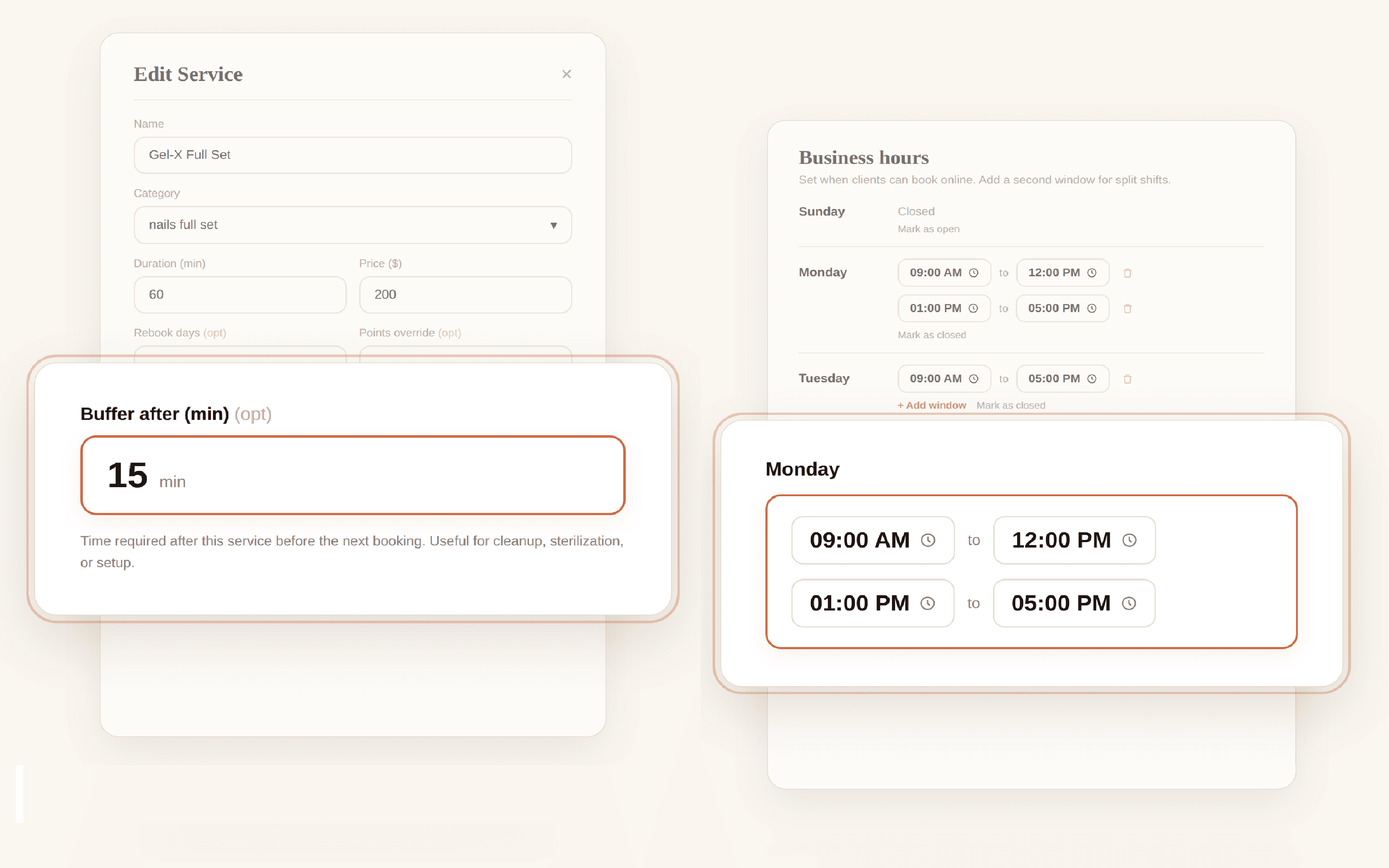
Every slot it offers is one you can honor.
Each service carries its own length and its own cleanup time, so online booking only offers a start time when the whole appointment fits before your next client, your lunch, or closing.
- No overlapping bookings
- A buffer after each service for cleanup, sterilization, or setup
- More than one window per day, so your lunch stays yours
Your rulesPro and Branded
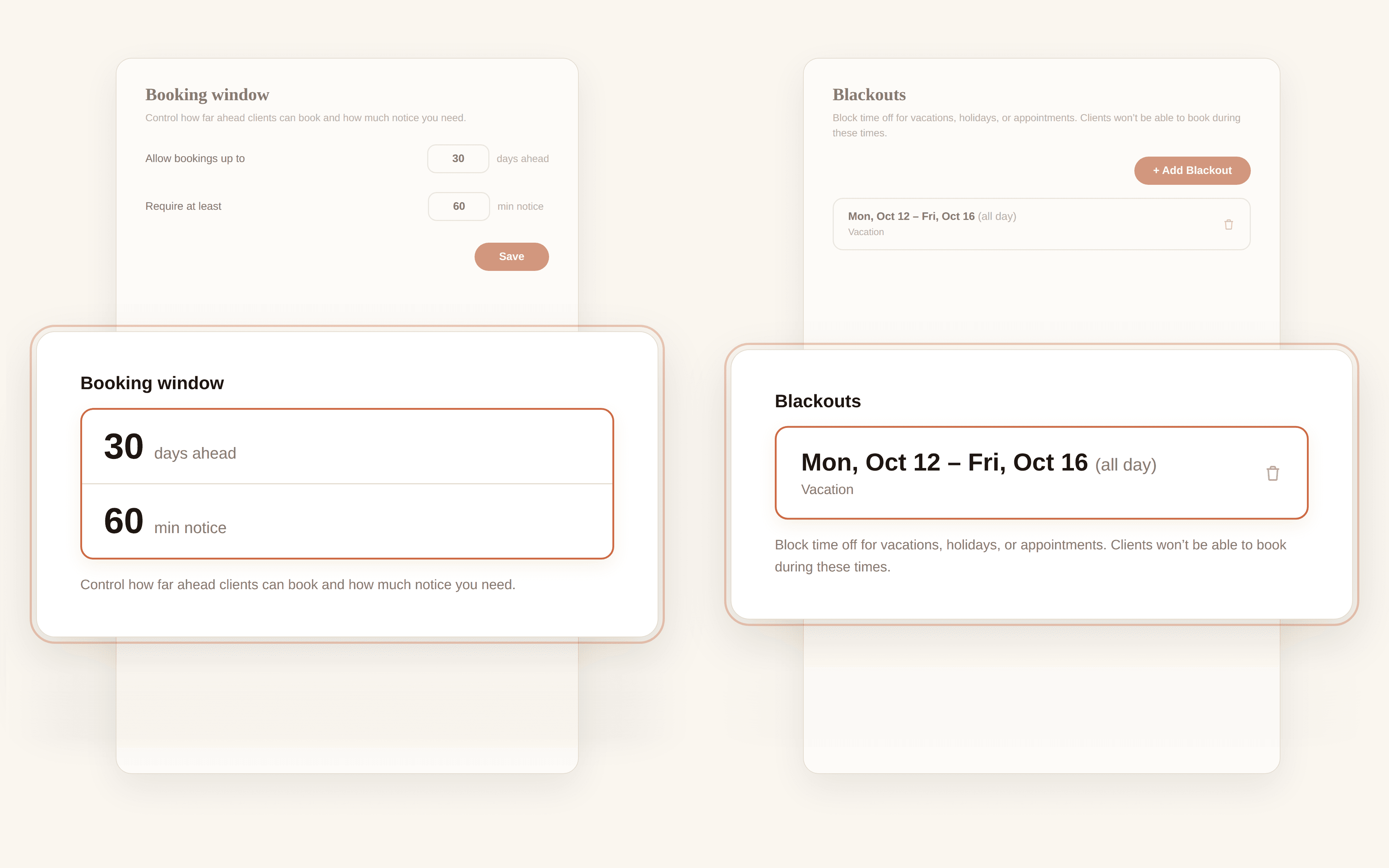
Decide how far ahead, and how much notice.
Set how many days ahead clients can book and the minimum notice you need, so nobody grabs a slot that starts while you are in the middle of a service. Offer a longer service only on the days you want to do it.
- Bookings allowed up to a set number of days ahead
- Minimum notice in minutes
- Services offered only on the days you choose
- Blackout dates for vacations and one time closures
DepositsPro and Branded
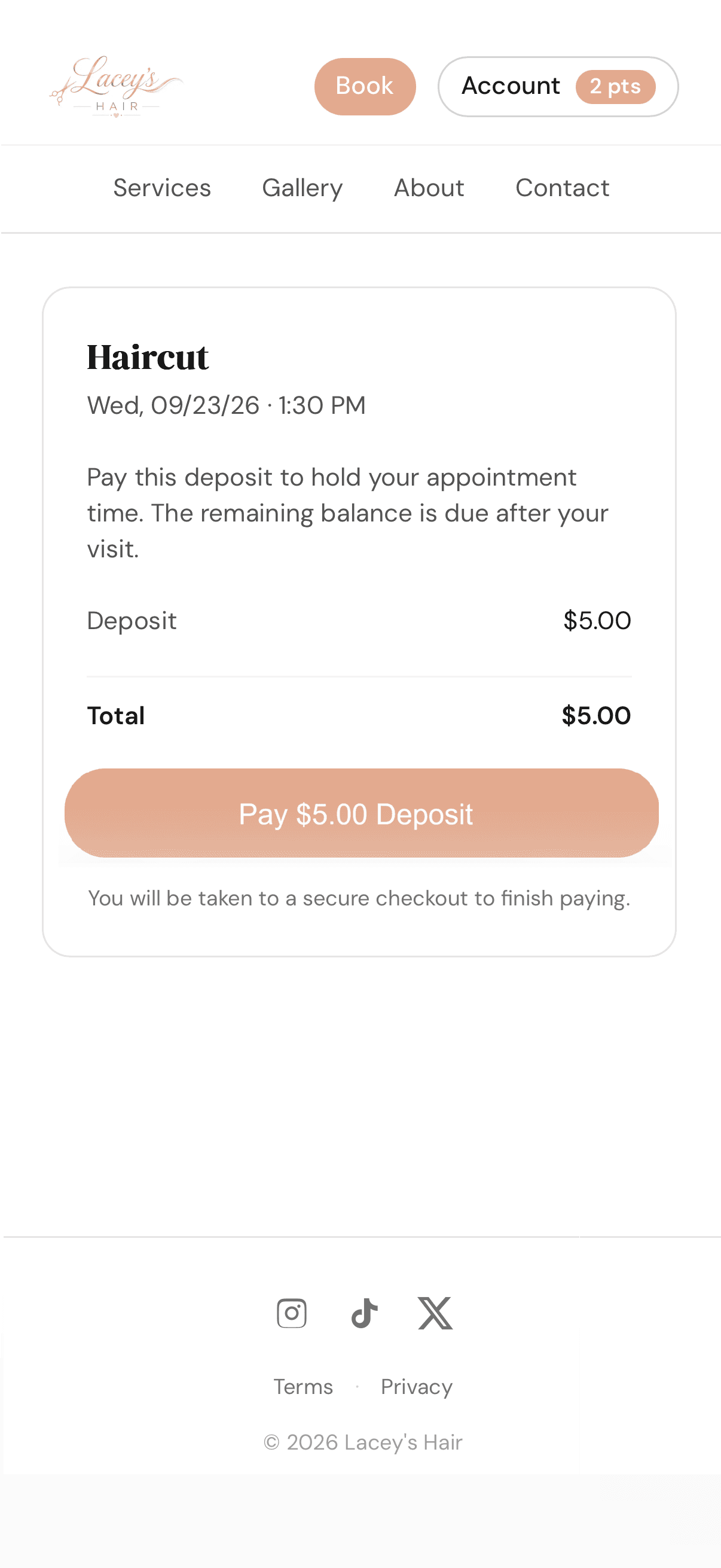
Hold the slot with a deposit.
Add a deposit to any service. Clients see the amount before they confirm, pay by card, and see the balance that is due after the visit. If a deposit never arrives, the slot opens back up on its own.
- Set service by service
- Shown before the client confirms
- Unpaid holds released automatically
Your calendar
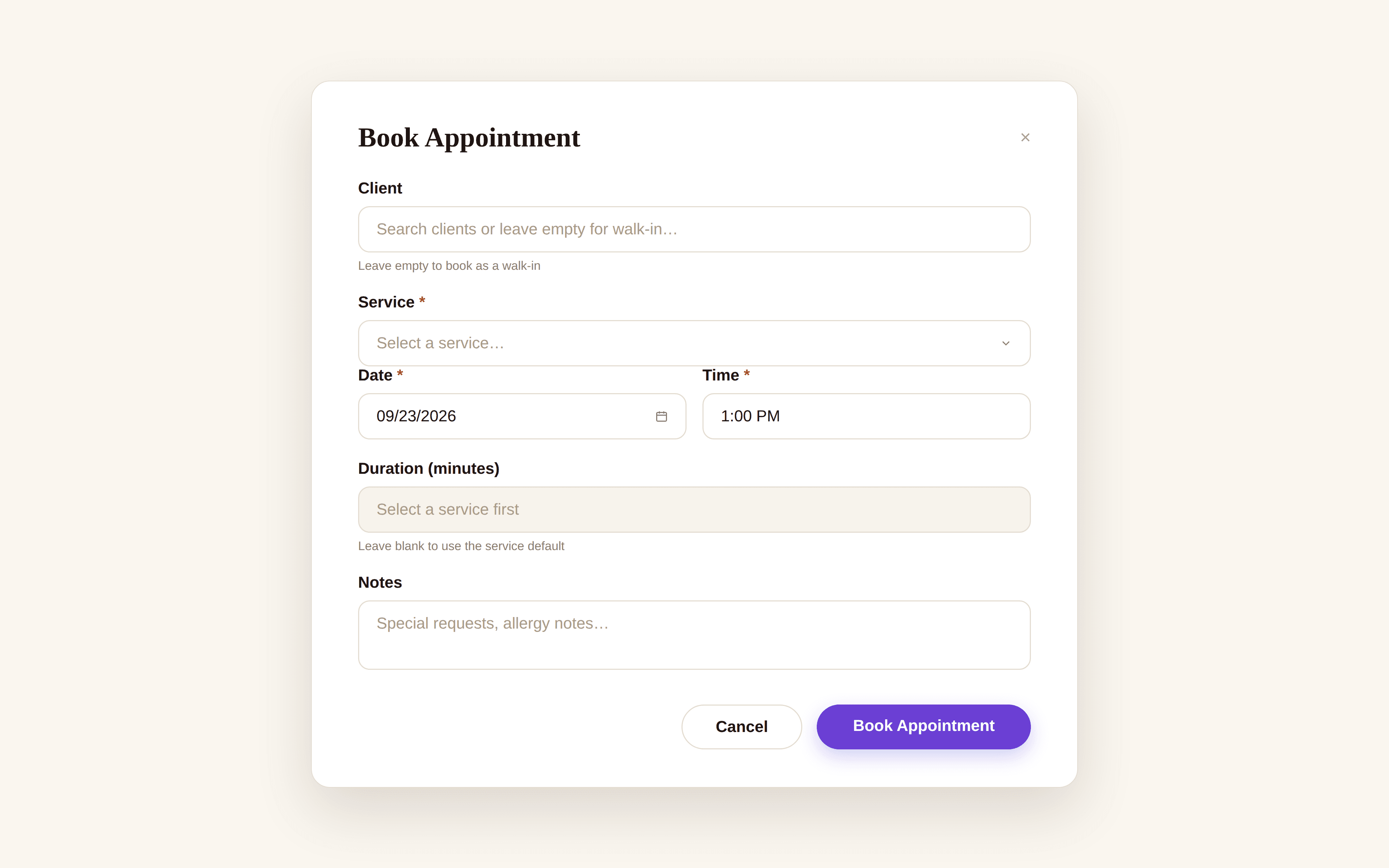
You can always book anything.
Booking from your own calendar is never limited by your online rules. Fit a regular in after close or on a blackout day whenever you decide to.
- Book outside your hours when you choose
- Appointments you create are confirmed right away
- Free on every plan
The small things
Details that save you a message.
- No app for clients
- Your booking site works in any phone browser and feels like an app.
- Guest booking
- New clients book with a text code sent to their phone. No account, no password.
- Booking alerts
- You get an email every time a client books online.
- Reminders
- Clients get a reminder email before each visit, on a schedule you choose.
- Cancellation policy
- Your policy is shown before the client confirms, and clients can cancel from their account.
- One link for everything
- Put it in your bio, your texts, and on a QR code at the front desk.
Questions
Before you ask.
Do I need Pro to use Lumidara for booking?
No. The calendar is free on every plan, so you can book every client yourself. Pro adds online booking, where clients book themselves, and deposits.
Can clients double book me?
No. Online booking only offers times where the full appointment, including any cleanup buffer you set, fits inside your open hours without overlapping another appointment.
Do my clients need to download an app?
No. Clients book from your booking site in their phone's browser. New clients confirm with a text code sent to their phone.
What happens if a client never pays the deposit?
The appointment holds the slot for a short grace period. If the deposit is not paid, the appointment is cancelled automatically and the time opens back up.
From the blog
- How to Set Up Online Booking So It Protects Your ScheduleA booking tool that only knows your open and close time will book you appointments you can't honor. Here are the settings that make it fit your real day.
- Online Booking for Salons: What to Look For and What to AvoidA buyer's guide to online booking for small salons. What features actually matter, what's marketing gloss, and the gotchas that bite small operators.
- How to Use Appointment Reminders to Cut Your No-Show RateReminders are the cheapest fix for no-shows, and most salons send them badly. Here's the timing, the wording, and the settings that actually work.
Start free
Try it with your own clients.
Starter is free with no card. Move up to Pro when you are ready for online booking.