Payments
Get paid without giving up a cut.
Clients pay by card straight into your own Stripe or Square account. We never hold your money, and we take nothing from it.
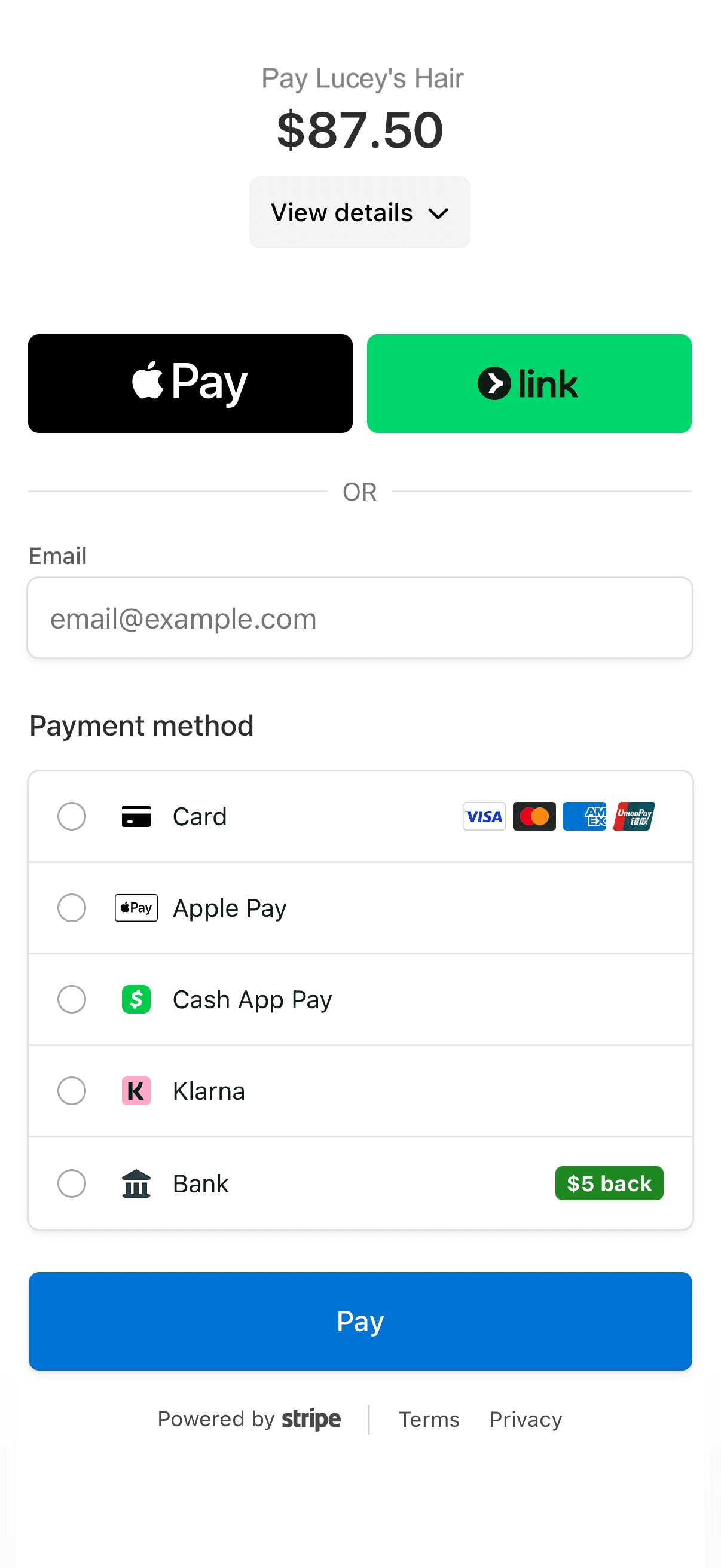
Card payments, cash recording, and refunds are free on every plan. Your processor's standard fees apply. Booking deposits are included with Pro and Branded.
Compare plansYour account
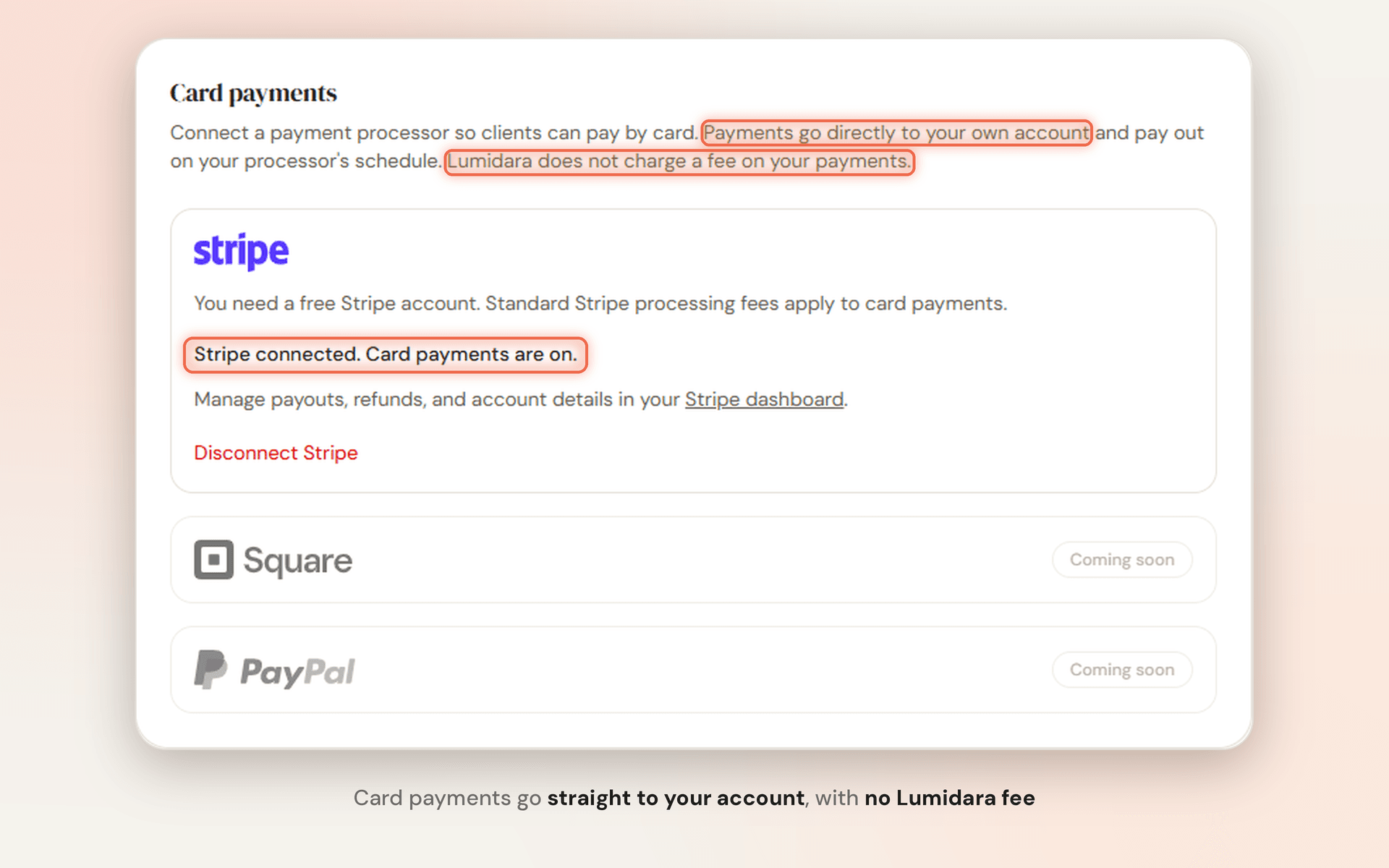
The money goes straight to you.
Connect your own Stripe or Square account in a few minutes. Every charge lands there directly, with no Lumidara balance in the middle, and you are paid out on your processor's usual schedule.
- Your own Stripe or Square account
- No platform fee from Lumidara
- Payouts handled by your processor
At the counter
Collect before they reach the door.
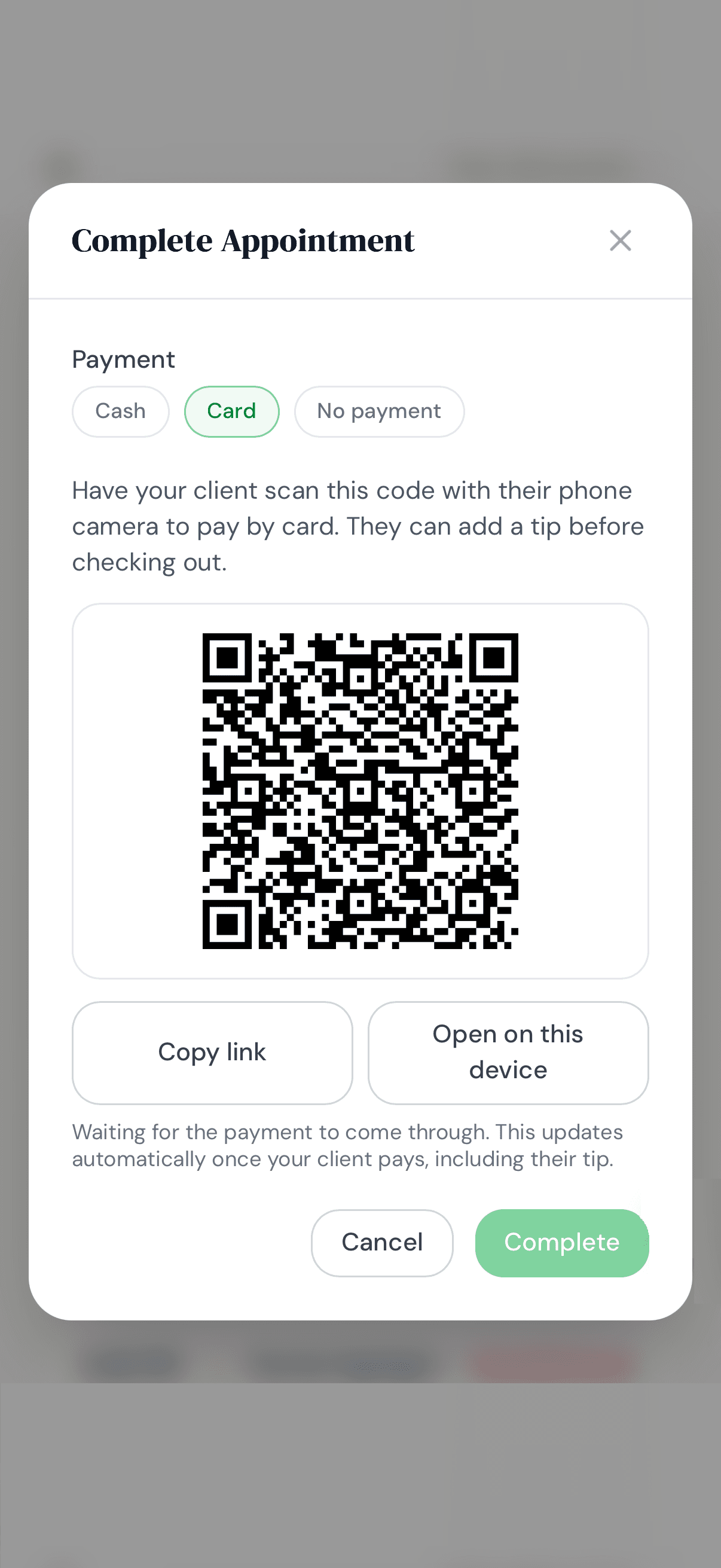
When you check a client out, show a QR code or send a pay link. They pay on their own phone, choose a tip, and your calendar updates on its own.
- QR code or pay link
- Clients choose their tip
- Updates the moment they pay
Later is fine
Nothing slips through.
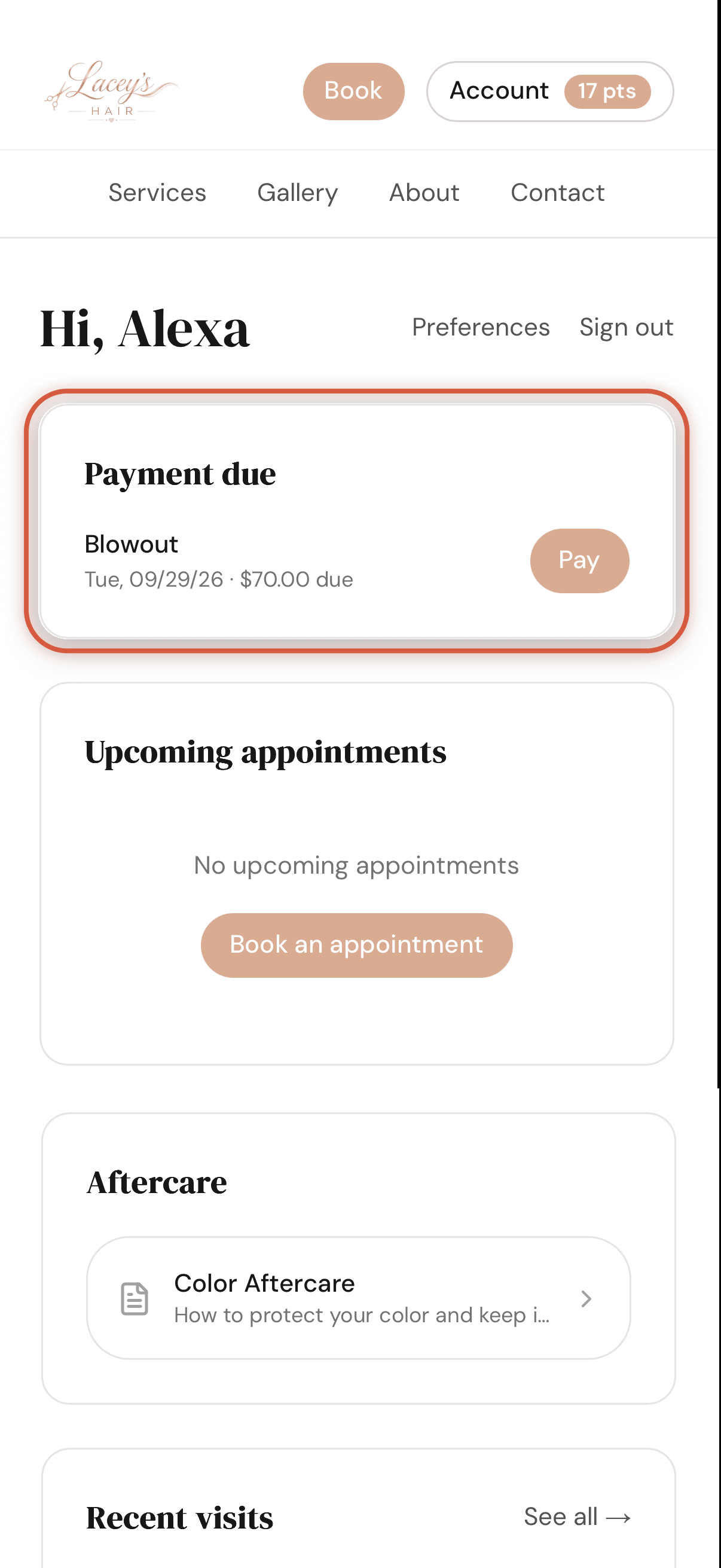
A visit that is still owed shows up in the client's account as payment due, with the exact amount left after any deposit. If nothing more is owed, mark it settled.
- Payment due in the client's account
- The balance after deposits, worked out for you
- Mark a balance as settled
The small things
Details that save you a message.
- Deposits or full payment
- Charge a deposit, or the full price, at booking on the services you choose. Included with Pro and Branded.
- Cash too
- Record cash and cash tips so your totals are complete.
- Refunds
- Refund a card payment in the app or from your Stripe or Square dashboard, and your records follow.
- Fair tip suggestions
- Suggested tips are based on the service price, not the smaller balance left after a deposit.
- Secure checkout
- Card details go into Stripe's or Square's secure checkout and are never typed into Lumidara.
- True revenue
- Your totals and reports count the money you actually collected.
Questions
Before you ask.
Does Lumidara take a percentage?
No. We take no cut on any plan. Stripe or Square charges its standard processing fees to your own account, as it would anywhere else.
Do I need a Stripe or Square account?
Only to take cards. Connect the Square account you already have, or create a free Stripe account during setup. If you only take cash, skip it and record cash payments instead.
Can I use Square or PayPal?
Stripe and Square are both supported, one at a time. PayPal is on the way.
Start free
Try it with your own clients.
Starter is free with no card. Move up to Pro when you are ready for online booking.